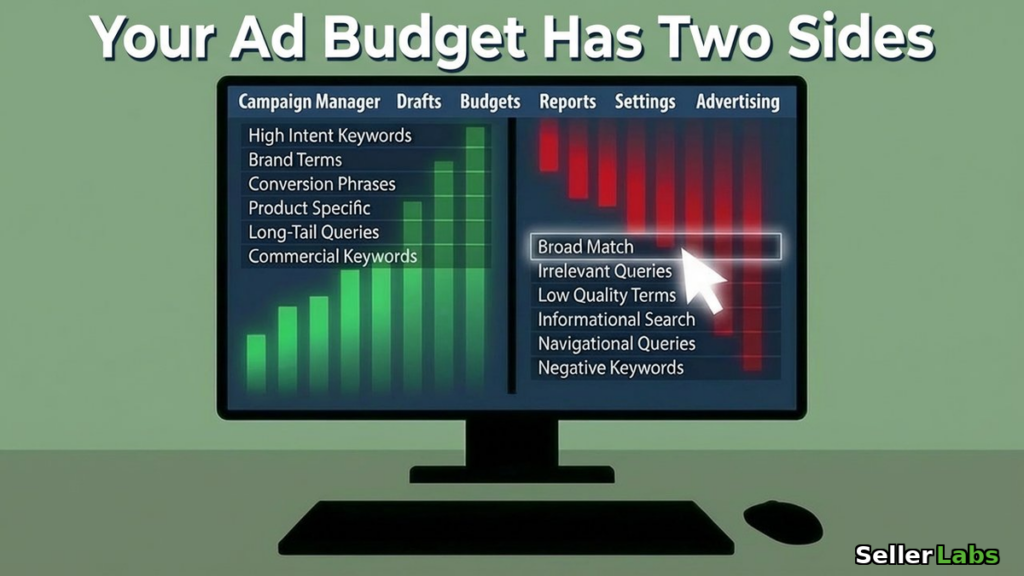
Pull up your Seller Central account right now. Go to Campaign Manager. Look at your total ad spend for the last 30 days. Take that number and multiply it by 0.3. That is roughly what...
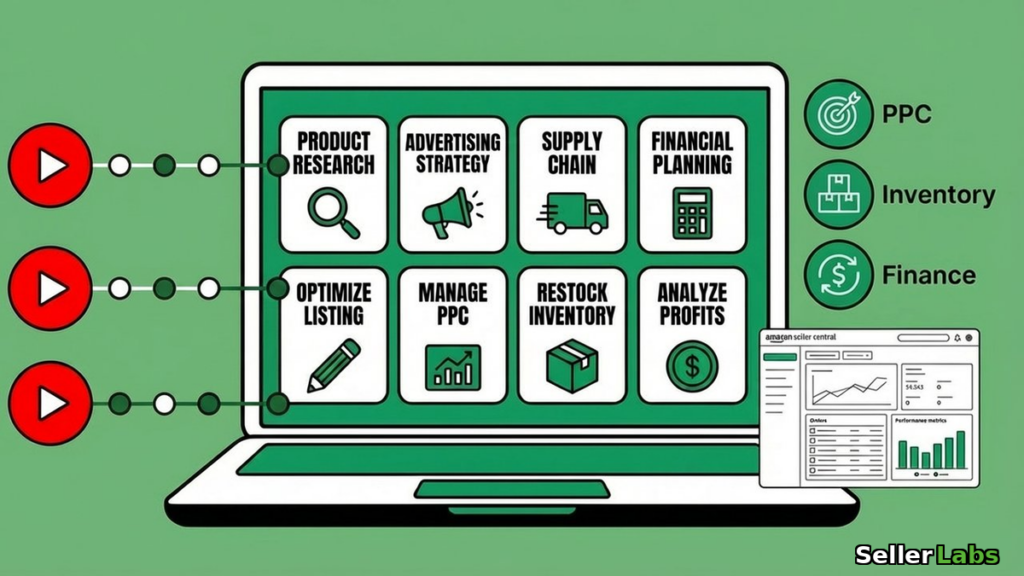
Somewhere between five and twenty thousand dollars a year. That’s what most Amazon sellers spend trying to get smarter about their own business. Courses that teach one framework at a time. Masterminds where half the...
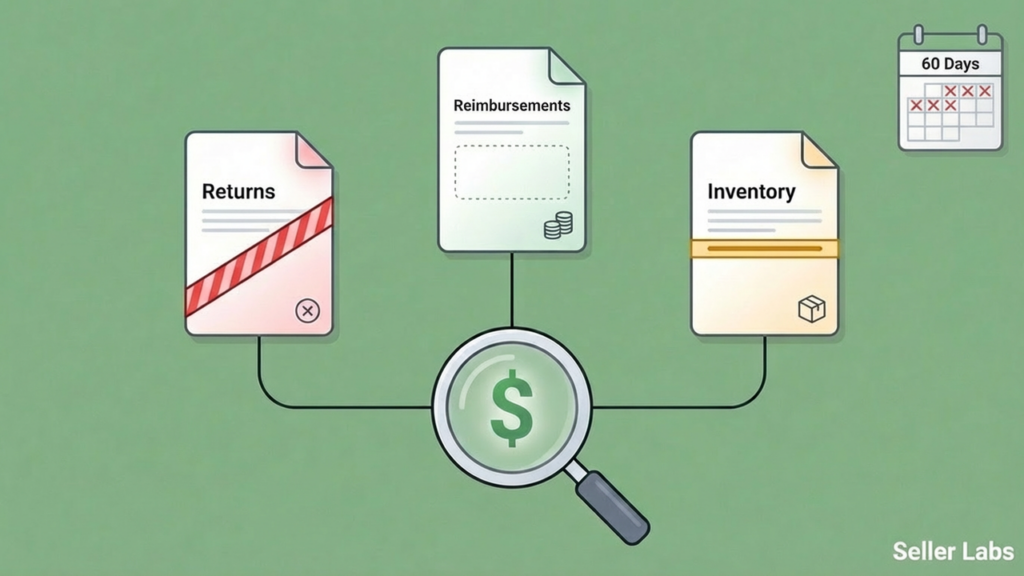
A seller running a million-dollar Amazon business downloaded their FBA Customer Returns report for the first time in six months. Fourteen units had come back marked DAMAGED — Amazon’s responsibility, not the buyer’s. Every single...
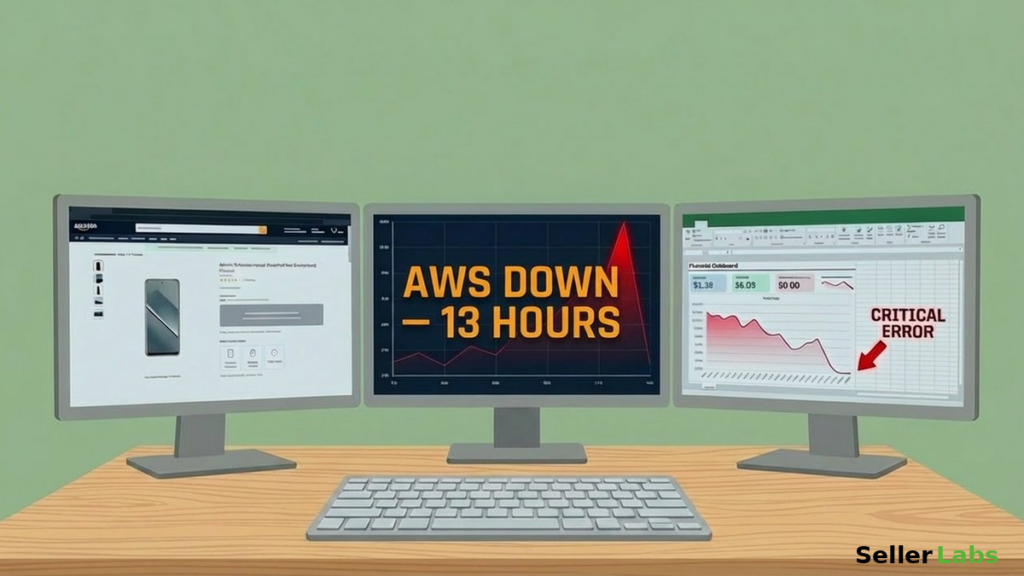
Amazon's own AI tool deleted an entire environment. AWS spent 13 hours recovering. Here's what that means for Amazon sellers and the 3-question audit that protects your account.
Your VA messages you on a Tuesday: “Hey, why are we priced below target on these three ASINs?” You know you made that decision. You remember the supplier negotiation, the margin math, the reasoning. You...
You’re sitting in Campaign Manager at eleven PM adjusting bids one by one. Forty-seven campaigns. Three marketplaces. A spreadsheet with seventeen tabs that you’re ninety percent sure is lying to you about profitability. You’ve been...
A screenshot. That’s all it took. No code. No terminal commands. No 45-minute Stack Overflow rabbit hole. Someone took a screenshot of a Seller Central error, pasted it into Claude Code, and said five words:...
Monday morning. You open ChatGPT. You paste in your search term report. You explain your product, your margins, your target ACoS. You get a decent analysis back. Good keywords to pause. A few bid adjustments....
It’s Monday Morning and You’re Staring at the Same Report You’ve Been Staring at Since 2019 You know the one. The report you pull every week because you’ve always pulled it. You squint at the...
Target, Best Buy, and Walmart all charge exactly $5.99 for standard shipping. Three companies that spend billions trying to destroy each other — and they all landed on the same number. Meanwhile, most Amazon sellers...
Navigating Title Suppression on Amazon🛑 In 2026, the Amazon selling landscape is rapidly evolving, driven by a growing focus on automation and artificial intelligence aimed at compliance and consumer protection. A pressing concern for sellers...